Your personal gallery stays clear
Photos of tiles and hidden work stay with the apartment, where they're easy to find years later.
An apartment that remembers everything
Your renovation, kept apart from your personal life. Tile photos don't clog your gallery, decisions don't get lost in messenger apps, and after the housewarming your apartment keeps its digital history.
Your renovation has its own space
Wiring photos, receipts, questions for your contractor and the decisions you've made are organized by property and stage. Master Kistya answers renovation questions, and you can save a useful answer to your route.
Photos of tiles and hidden work stay with the apartment, where they're easy to find years later.
Your team leaves questions right at the relevant stage. A shared property feed is available on the top plan.
Questions to the AI assistant and notes help you take the next step of your renovation.
Not just another to-do list
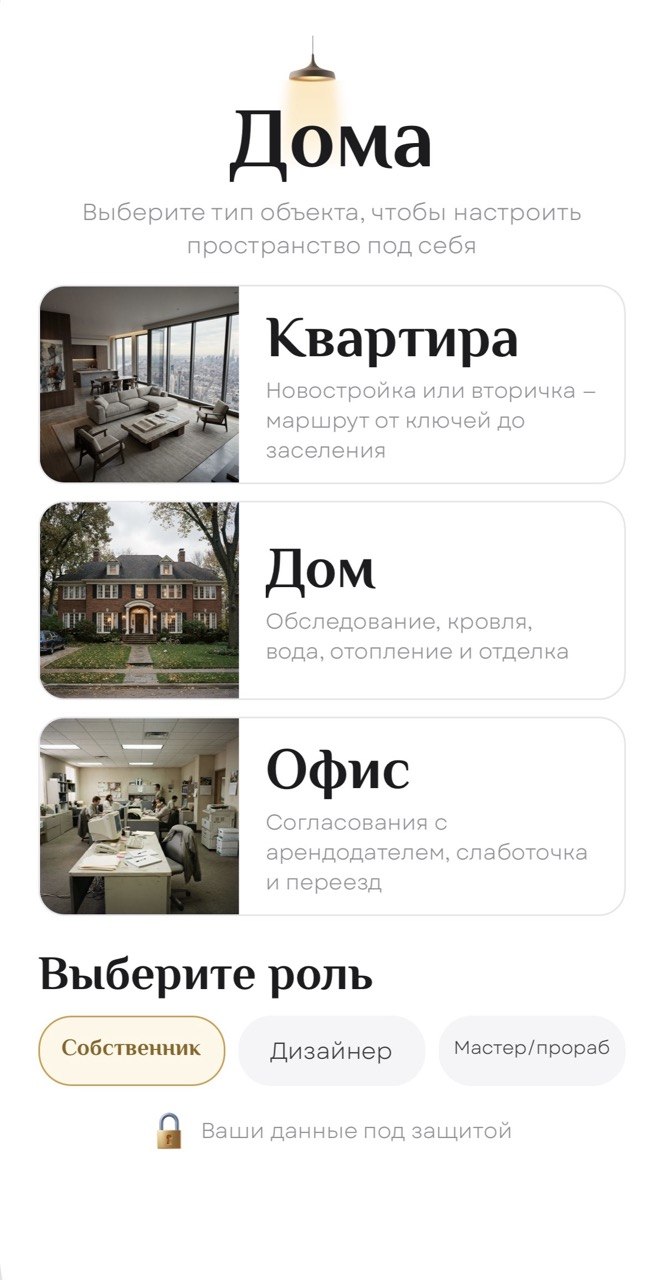
First you tell us about the apartment and your goal. Then Doma builds a route for your specific property, with no one-size-fits-all advice. The AI assistant Master Kistya knows your route and will tell you which stage you're at and what to do next.
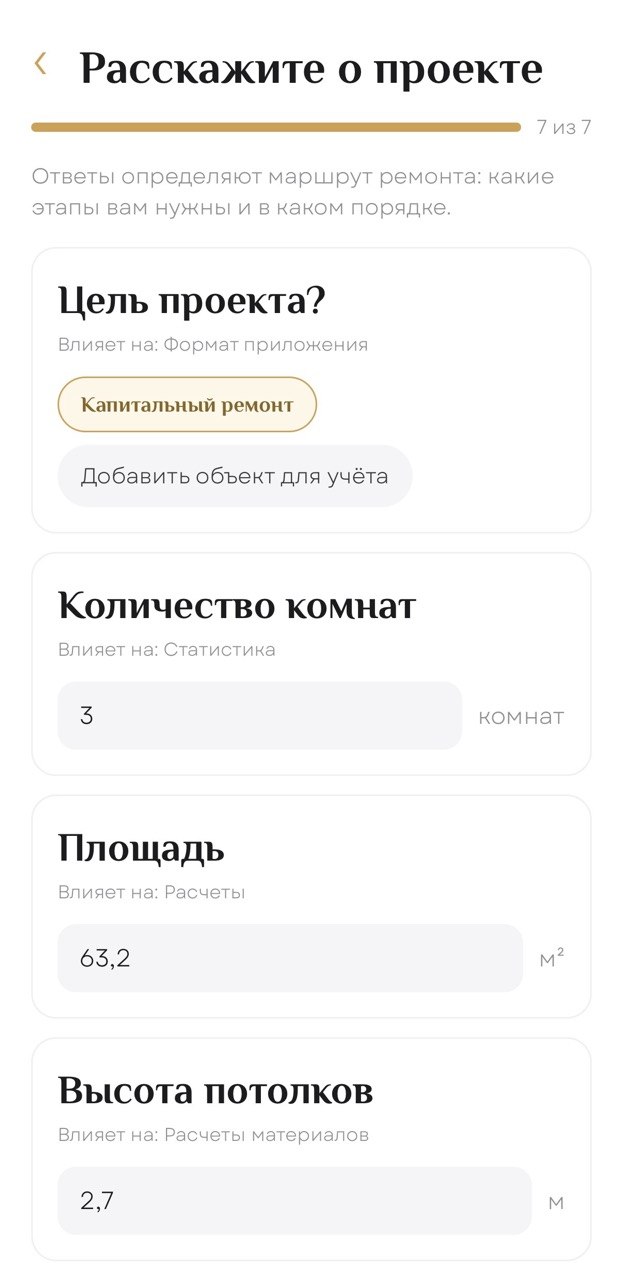
Property type, renovation goal, floor area and starting conditions: a few answers instead of a long brief.
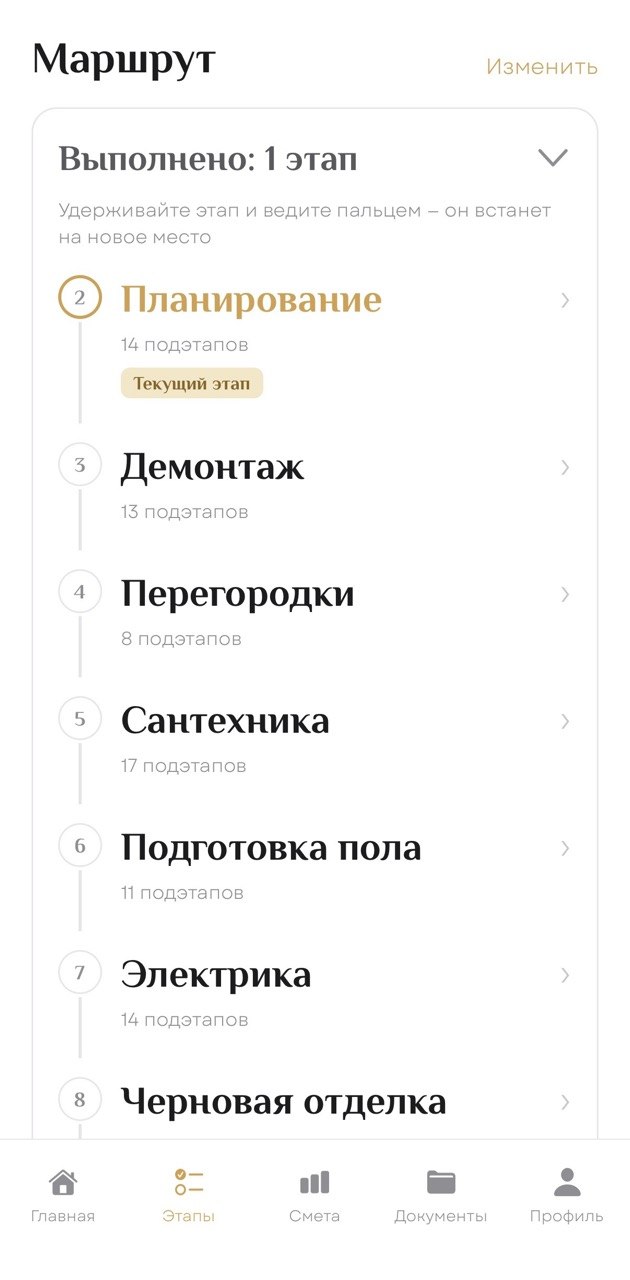
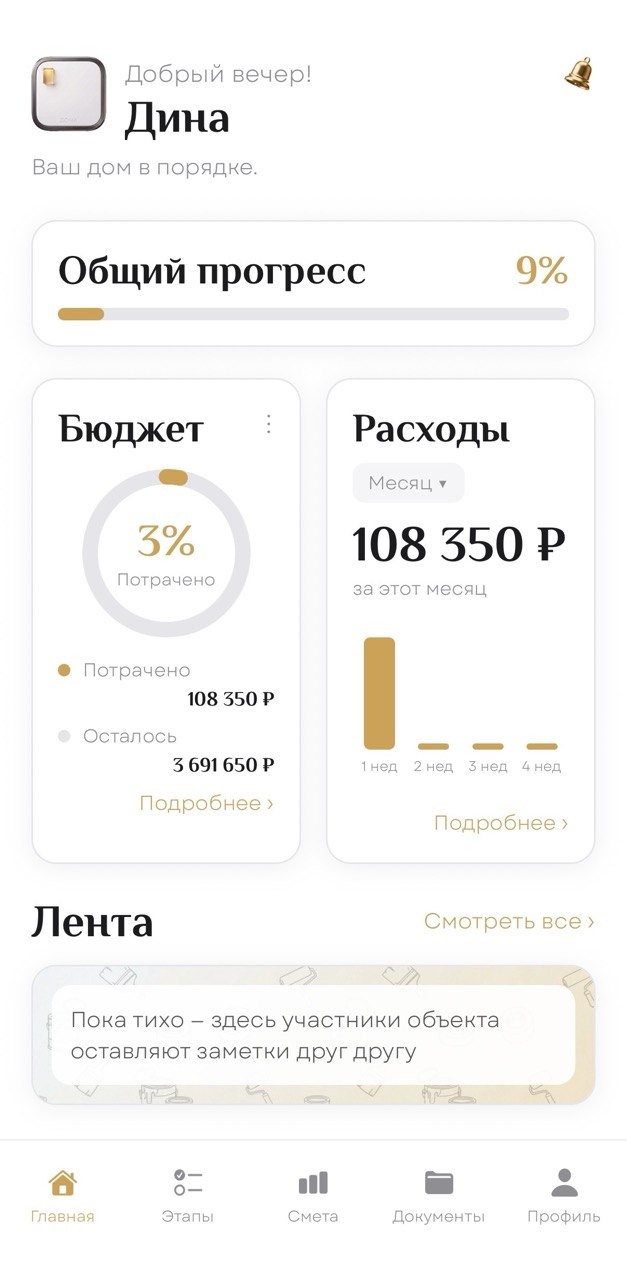
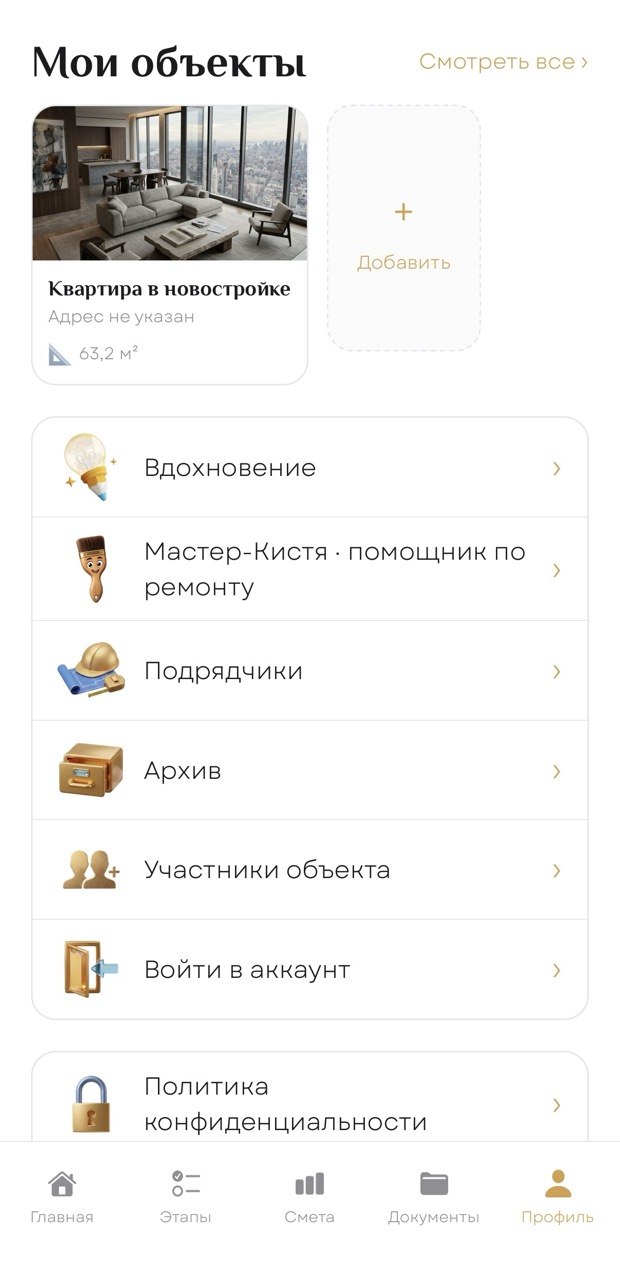
Stages, tasks, budget, expenses and notifications are gathered in one place and tied to your property.

Photos of hidden work, wiring and other stages stay tied to the apartment instead of getting lost in your phone's gallery.
What matters, when it matters
Your personal renovation adviser points out what to watch for, answers questions and helps you quickly make sense of a specific situation.
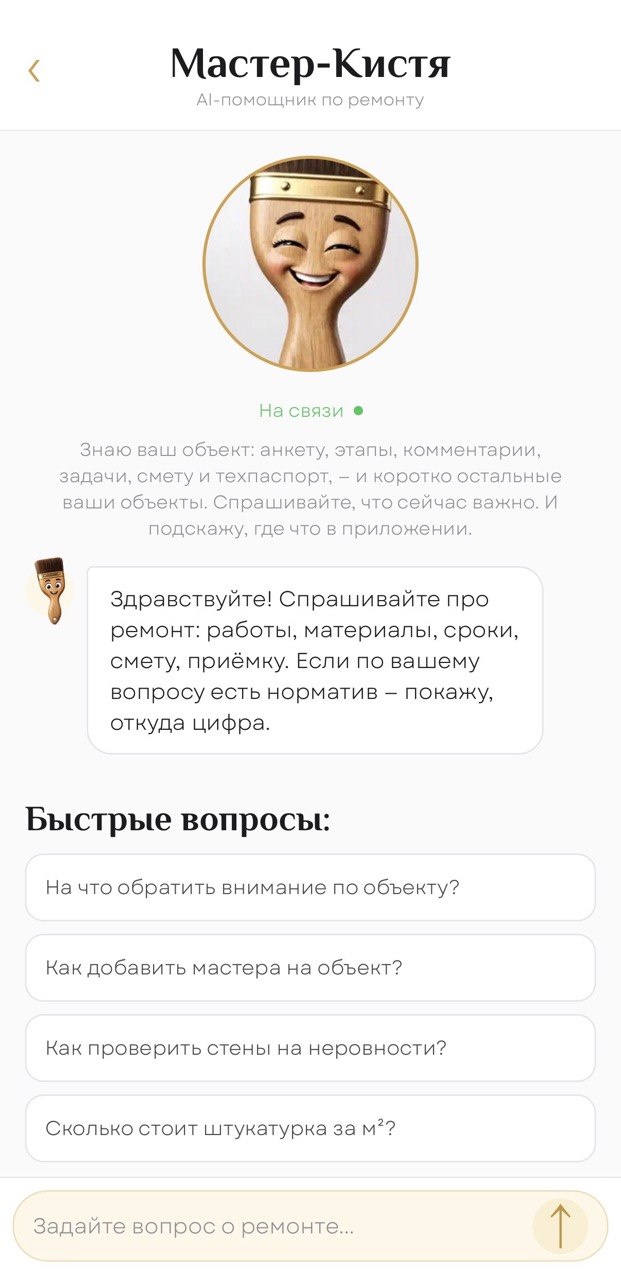
Real scenarios
Not abstract illustrations but real actions inside the app, shown exactly when a user needs them.
Instead of copying every receipt by hand: a quick scan, an expense category and saving right inside the project.
When you need to figure out quickly what to do next, the AI assistant takes your renovation context into account, answers questions and helps you stay on track.
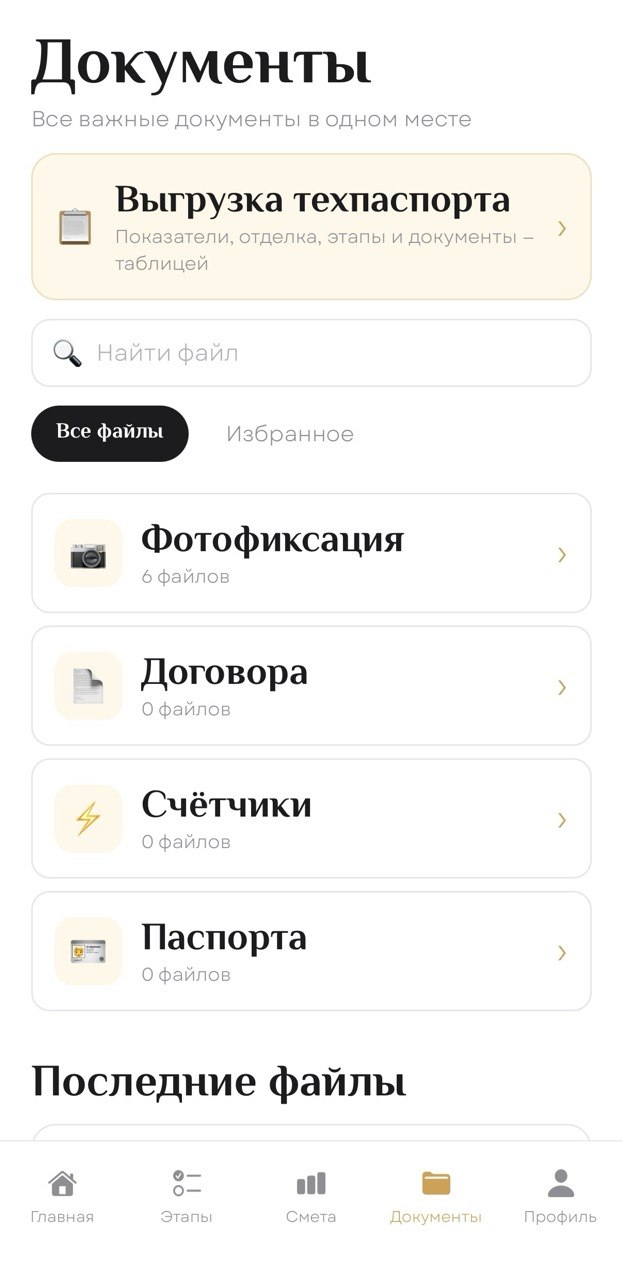
Your apartment's digital memory
Photo records, property details, work history and documents stay in the context of the apartment. Not in a “Misc” folder, but where you actually need them.
Living in it, day to day
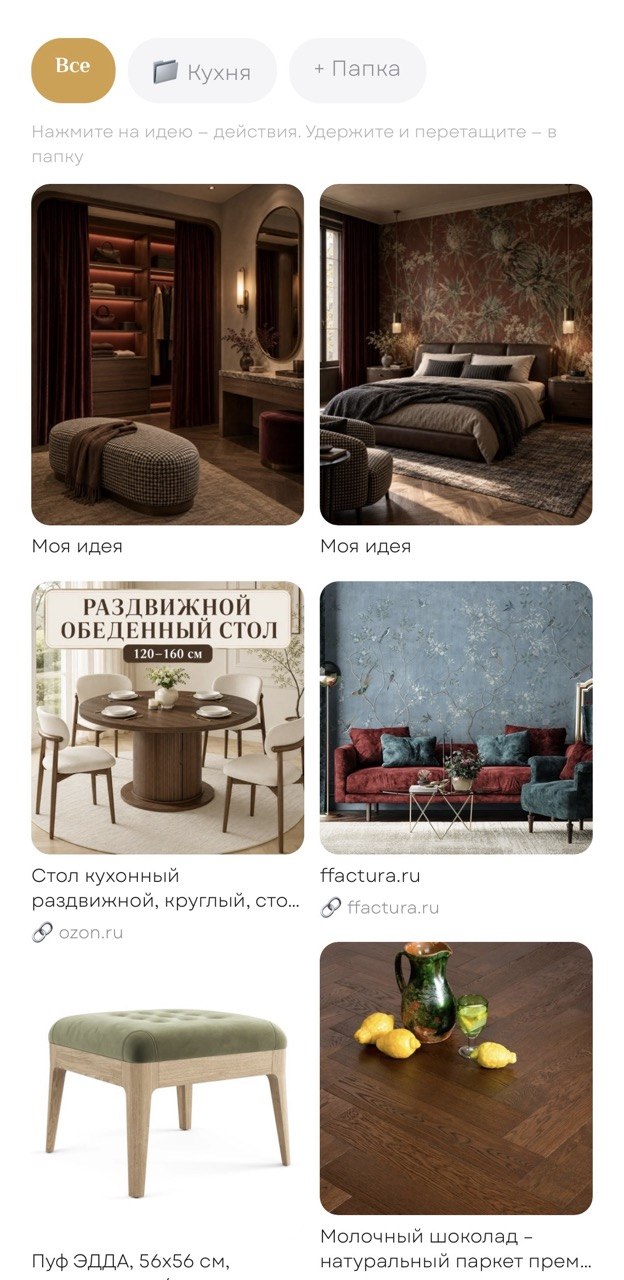
Renovation stages, documents, expenses, ideas and tips, all connected into one working flow you can show to a user or a partner.
One property · different roles
Choose a role to see what the owner, designer or contractor profile can do in the app.
You know what has been done, how much has been spent and where to find a document or a photo of hidden utilities.
For working together
The invited designer and contractor discuss the work next to the photos and send the stage to the client for approval. The planned mechanism keeps the approved version; further edits create a new one and need approval again. This helps both sides trace the history of decisions.
After the renovation
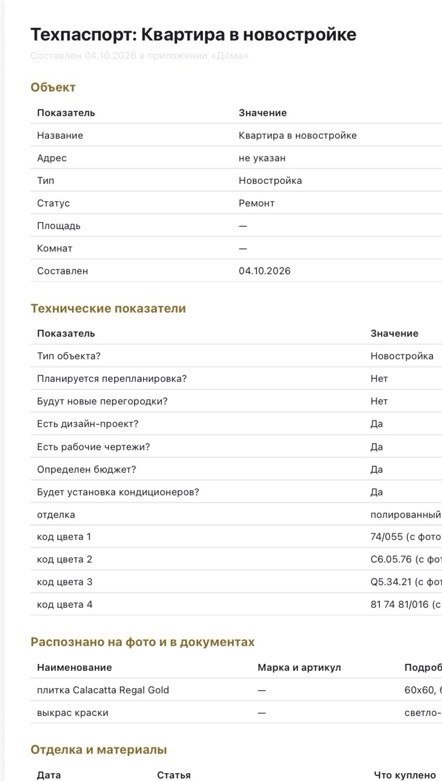
Save photos of product codes, product names and paint shades. Doma helps recognize the data and compile a “Property passport” you can export to PDF and Excel. This feature is included in the free plan too.
Teamwork
Invite professionals, discuss photos and approve the work. For general questions about the property, the top plan includes a shared feed for all members.

Doma plans
Plan features are shown for launch. Payment terms and availability dates will be published when the app is released.
Keep your renovation under control, even if you manage it yourself.
When you have several properties and someone to approve the work with.
Everything in Free, plus:
For shared work and extended visual features.
Everything in Team, plus:
A real product
Launch is near
Renovation route, photos and documents, budget, questions to Master Kistya and your apartment's digital history: start with the free plan.